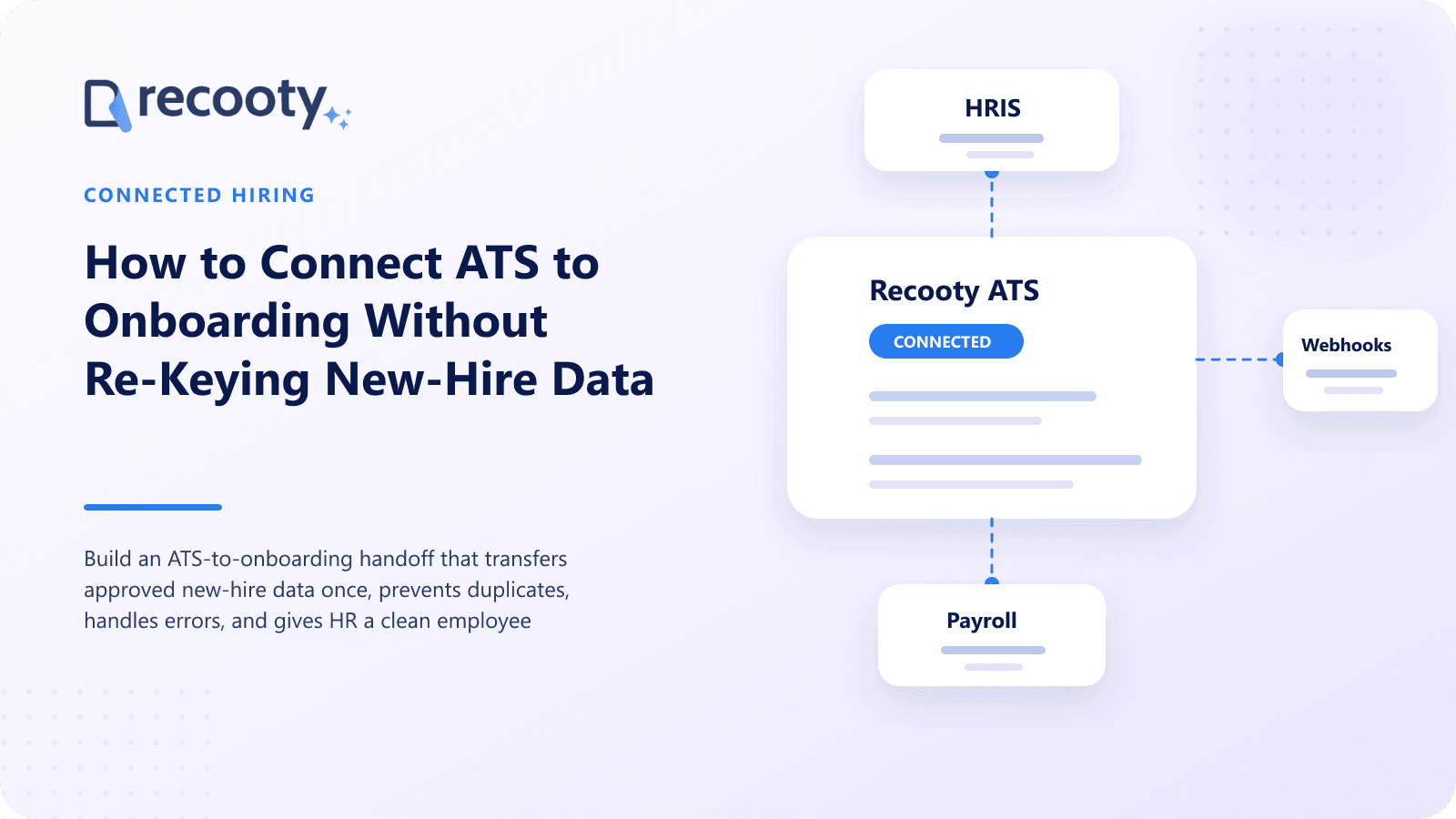
How to connect an ATS to HRIS, payroll, and onboarding software
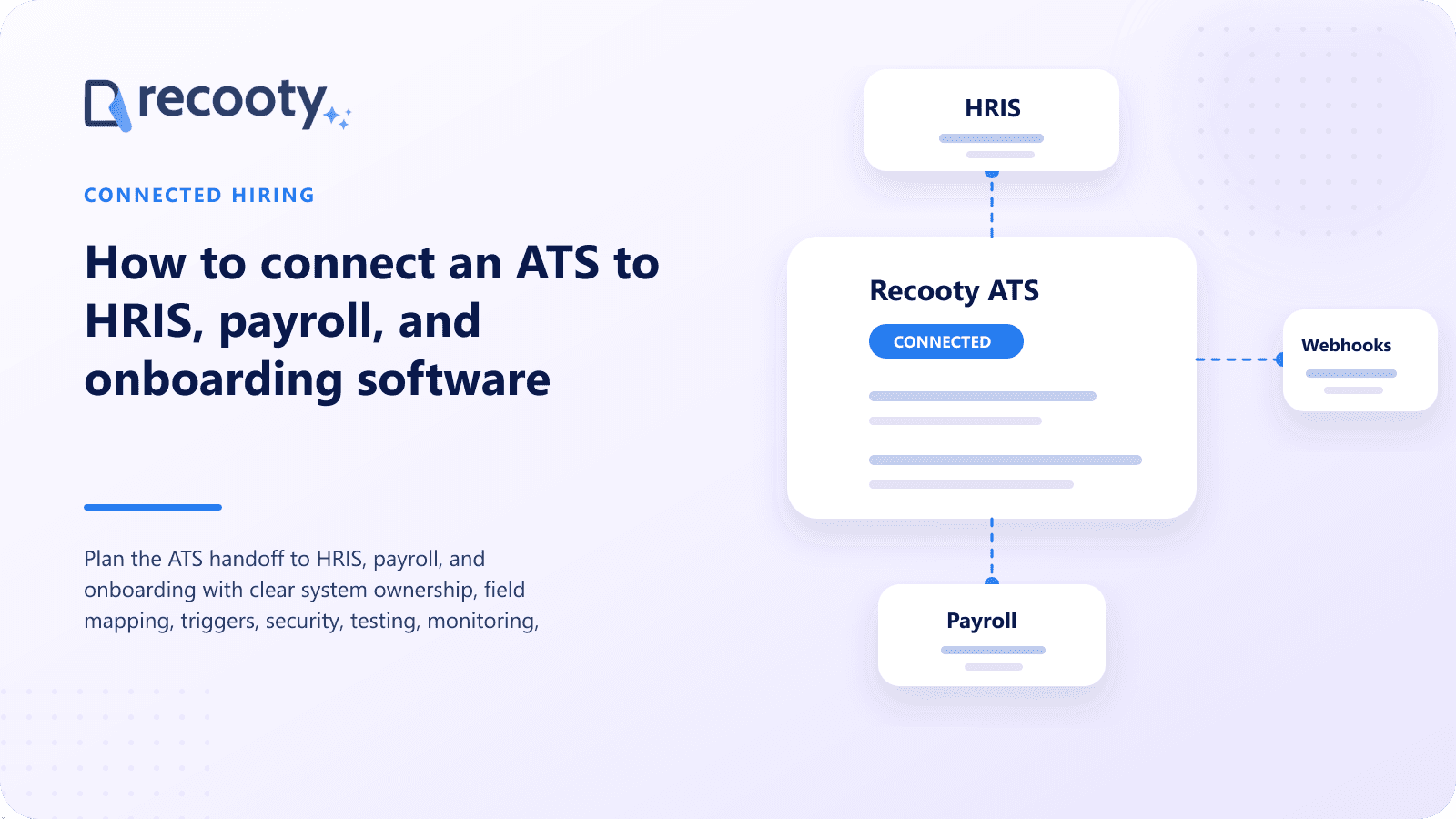
Plan the ATS handoff to HRIS, payroll, and onboarding with clear system ownership, field mapping, triggers, security, testing, monitoring, and error recovery.

CONTENTS
- 00Introduction
- 01Key takeaways
- 02What is an ATS integration with HR systems?
- 03Which system should be the source of truth?
- 04What data should move from an ATS?
- 05When should the integration trigger?
- 06Which integration method should you choose?
- 07How do you map ATS fields to HRIS and payroll?
- 08How should you secure the integration?
- 09How do you test the ATS handoff?
- 10How should integration failures be handled?
- 11Frequently asked questions about ATS integrations
Connect an ATS to HRIS, payroll, and onboarding by defining system ownership, mapping approved new hire fields, choosing a transfer trigger, securing the connection, testing exceptions, and monitoring failures. The handoff should reduce re-entry without copying private recruiting data into employee records.
Teams comparing recruiting software can use this overview to assess which workflow fits their hiring process.
I start with the record boundary. The ATS owns candidacy and selection; the HRIS usually owns the continuing employee profile after hire.
Key takeaways
- Decide which system owns each field before building the connection.
Use an interview question generator to prepare role-specific questions before the conversation. - Transfer confirmed new hire data at a controlled event, usually after accepted offer approval.
- Keep interview notes, rankings, and unrelated applications in the ATS unless a defined lawful need exists.
- Validate field formats for names, locations, dates, compensation, and identifiers.
- Test duplicates, missing data, withdrawal, rehire, and integration failure.
- Give every error a visible owner and correction path.
What is an ATS integration with HR systems?
An ATS integration with HRIS, payroll, or onboarding software moves approved recruiting data and events into the systems used after hire. It may use a native connector, integration platform, API, webhook, scheduled file, or controlled manual export.
The best method depends on frequency, data sensitivity, available product support, technical ownership, and how quickly the next system needs the information.
Which system should be the source of truth?
Assign one source of truth for each stage and field. Competing ownership creates loops, overwritten values, and uncertainty about where corrections belong.
| Record or field | Typical owner before hire | Typical owner after hire |
|---|---|---|
| Job requisition and application | ATS | ATS archive |
| Resume and interview feedback | ATS | Usually remains in ATS |
| Candidate contact details | ATS | HRIS after verified transfer |
| Accepted role, manager, location | ATS or approved requisition | HRIS |
| Start date | Approved in hiring workflow | HRIS or onboarding |
| Payroll tax and bank data | Not usually collected in ATS | Payroll or secure onboarding |
| Benefits elections | Not ATS data | Benefits or HRIS |
| Employee identifier | HRIS | HRIS, returned to connected systems if needed |
The exact boundary varies. Document it and identify who can correct each field.
What data should move from an ATS?
Transfer only data needed to create the new hire and start the next approved process. Common fields include legal or preferred name, personal contact details, accepted job, department, manager, location, employment type, start date, and approved compensation fields.
Avoid sending by default:
- Interview notes and scorecards
- AI match or resume scores
- Rejection reasons from other applications
- Recruiter private notes
- Unverified demographic data
- Background check details beyond an approved status
- Complete communication history
- Data collected for a different hiring purpose
For a current comparison, see this guide to AI-powered applicant tracking systems.
HR, privacy, and legal owners should approve the mapping.
When should the integration trigger?
Trigger the handoff after the candidate accepts an approved offer and required checks reach the chosen status. The event should be specific enough to prevent a recruiter from transferring someone by moving a card accidentally.
Possible controls include:
- Accepted-offer status plus required fields
- Final approval from HR operations
- A dedicated "ready for onboarding" action
- Confirmation that no employee record already exists
- Separate handling for rehires and internal transfers
Define what happens if the person later withdraws, the start date changes, or the role is amended.
Which integration method should you choose?
Choose the simplest reliable method that meets volume, timing, security, and support needs.
| Method | Best fit | Main question |
|---|---|---|
| Native integration | Standard connection supported by both vendors | Which fields, triggers, and errors are covered? |
| Integration platform | Common systems need configurable mapping | Who owns the connector and usage cost? |
| API and webhooks | Custom or near-real-time workflow | Who builds, monitors, and updates it? |
| Scheduled file | Batch transfer on a regular cycle | How are files secured and failures reconciled? |
| Manual export and import | Very low volume or temporary process | Who checks accuracy and avoids duplicates? |
A vendor marketplace logo is a lead, not proof. Request field-level documentation and test the actual connection.
How do you map ATS fields to HRIS and payroll?
Create a mapping document with source field, destination field, format, transformation, required status, validation, and owner. Use sample records from different locations and employment types.
Pay attention to:
- Legal and preferred names
- Date formats and time zones
- Country, region, and address structures
- Department, location, manager, and cost-center codes
- Job title versus internal job code
- Currency, amount, and pay interval
- Employee and candidate identifiers
- Full-time, part-time, temporary, and contractor values
- Blank, unknown, and changed fields
Do not force unmatched values silently. Route them to review.
How should you secure the integration?
Limit the connection to the systems, records, and fields it needs. Protect credentials, encrypt transfers, review logs, and separate production access from testing.
Check:
- Authentication method and credential owner
- Permission scope
- Encryption in transit and at rest
- API token storage and rotation
- Test data handling
- Logging without unnecessary personal data
- Vendor subprocessors
- Retention of transfer files
- Incident and revocation process
Use synthetic or carefully controlled test records where practical.
How do you test the ATS handoff?
Test ordinary records and exceptions before launch. Verify both systems, and have the downstream owner confirm the data alongside the integration developer.
- Transfer a standard new hire.
- Test required and optional blank fields.
- Use different countries, names, currencies, and employment types.
- Attempt a duplicate employee and rehire.
- Change a start date after transfer.
- Record a pre-start withdrawal.
- Revoke credentials and inspect the alert.
- Retry a failed record without creating a duplicate.
- Reconcile source and destination reports.
Keep a test record of expected and actual results.
How should integration failures be handled?
Every failed transfer needs an alert, owner, readable reason, and safe retry. Silent failures create new hires without accounts, payroll setup, documents, or manager tasks.
Monitor success count, failure count, processing delay, duplicates, manual corrections, and records waiting beyond the service target. Review changes after either vendor updates fields or authentication.
Recooty connects with more than 100 third-party tools. During evaluation, confirm the exact HRIS, payroll, or onboarding connection, supported fields, trigger, plan, and support owner. The legacy ATS migration guide also helps with data cleanup before integration.
Frequently asked questions about ATS integrations
Does an ATS send data directly to payroll?
It can, but many organizations send the completed hire to an HRIS or onboarding system first. Payroll then receives verified employment, tax, and banking information from the appropriate secure source.
Avoid collecting sensitive payroll data in the ATS without a defined need and approved controls.
Should interview notes move into the HRIS?
Usually, no. Interview notes support candidate evaluation and may contain opinions or information that does not belong in the continuing employee record.
Keep them in the ATS under recruiting permissions and retention rules unless a reviewed business and legal requirement says otherwise.
What is the best ATS integration method?
A well-supported native connector is often simplest for standard workflows. APIs and webhooks fit custom or faster transfers when the organization can build and operate them.
Choose based on documented capability, security, reliability, support, and total ownership cost.
Who owns ATS integration errors?
Assign a business owner for the hire and a technical owner for the connection. The alert should reach both when a failure threatens onboarding or payroll timing.
Document escalation, correction, retry, and reconciliation before launch.
Practical recruiting playbooks, HR tutorials and hiring trends from the team behind Recooty — hiring software for growing teams.