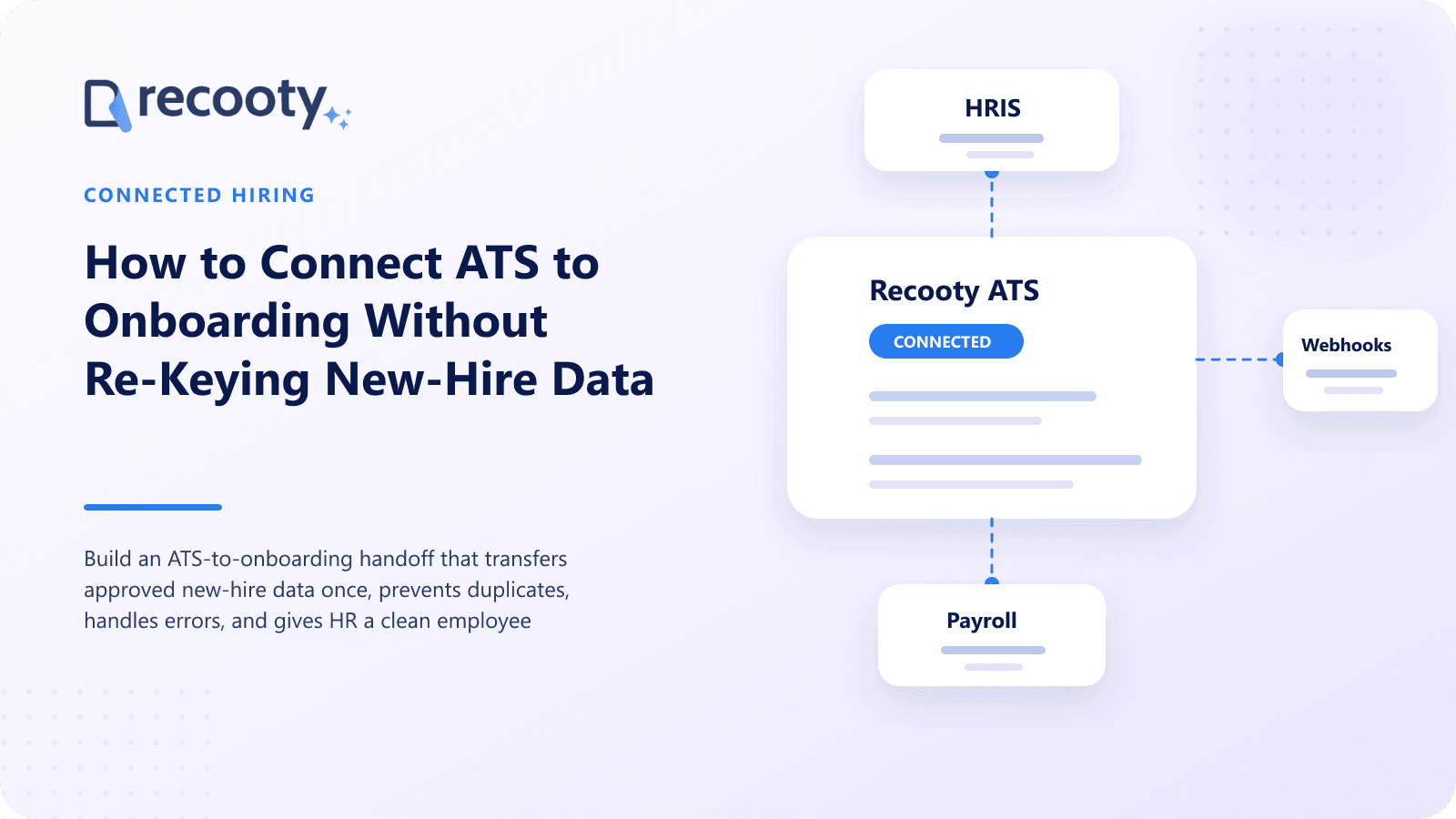
How to Connect ATS to Onboarding Without Re-Keying New-Hire Data
Build an ATS-to-onboarding handoff that transfers approved new-hire data once, prevents duplicates, handles errors, and gives HR a clean employee record.

CONTENTS
- 00Introduction
- 01Key takeaways
- 02What is an ATS-to-onboarding handoff?
- 03When should the ATS send a new hire to onboarding?
- 04Which new-hire fields should transfer from the ATS?
- 05What should not transfer into the employee record?
- 06How do you map ATS and onboarding fields?
- 07How do you prevent duplicate employee records?
- 08What happens when the integration fails?
- 09How should changes and rescinded offers sync?
- 10Which integration method should you use?
- 11How do you test an ATS onboarding integration?
- 12How can Recooty support the handoff?
- 13Frequently asked questions
An ATS-to-onboarding handoff should create or update the new-hire record after an approved offer is accepted, using validated fields already held in recruiting.
Teams comparing recruiting software can use this overview to assess which workflow fits their hiring process. The integration should transfer only needed data, prevent duplicate employees, record success or failure, and assign unresolved exceptions to a named owner.
Move a small, trusted employment dataset once, then let the new hire complete or verify information in the onboarding system.
Key takeaways
- Use accepted and internally approved offer status as the transfer trigger, not a recruiter's informal stage change.
- Map fields by meaning, format, owner, and source of truth before configuring the integration.
- Transfer only onboarding data; leave rejected notes and unrelated recruiting material in the ATS.
- Match existing workers and rehires before creating a new employee record.
- Make failures visible and retryable without creating duplicates.
- Test new hires, rehires, internal transfers, changed start dates, rescinded offers, and missing fields.
What is an ATS-to-onboarding handoff?
An ATS-to-onboarding handoff transfers an accepted candidate into the system managing preboarding tasks, forms, policies, accounts, equipment, payroll setup, and employee records. This may be an HRIS, onboarding platform, payroll product, or workflow tool.
Manual copying creates typing errors, inconsistent formats, delays, and uncertainty over which version is correct.
When should the ATS send a new hire to onboarding?
The safest trigger is an accepted offer with all internal approvals. Some employers also require a completed condition before creating the employee. Define the event precisely rather than relying on a generic Hired stage.
A clear sequence is:
- Compensation and offer terms receive internal approval.
- The candidate signs or formally accepts the offer.
- Required pre-transfer conditions are confirmed.
- The ATS validates mandatory fields.
- The integration checks for an existing employee or pending hire.
- The receiving system creates or updates the record.
- Both systems record the external ID, timestamp, and result.
- Onboarding tasks begin and owners receive confirmation.
Avoid sending draft or verbal offers. Repeated edits before acceptance can create several incomplete employee records.
Which new-hire fields should transfer from the ATS?
Transfer fields needed to establish employment and begin onboarding. The exact set depends on country, worker type, HRIS, payroll, and policy.
| Data group | Typical fields | Control question |
|---|---|---|
| Identity | Legal or preferred name, personal email, phone | Has the candidate verified it? |
| Job | Title, department, location, employment type | Does it use the receiving system's codes? |
| Organization | Manager, cost center, legal entity | Is each external ID valid? |
| Dates | Start date, offer date, contract end date | Which time zone and date format apply? |
| Compensation | Salary or hourly rate, currency, pay frequency | Is access restricted and approval complete? |
| Offer | Offer template, signed document, status | Should the file transfer or remain linked? |
| Source | Requisition ID, job ID, candidate ID, source | Which values support reporting and audit? |
Home address, bank details, tax forms, emergency contacts, benefits elections, and identity documents are often better collected and verified in a secure onboarding or payroll flow.
What should not transfer into the employee record?
Do not move the complete recruiting history by default. Interview notes, scorecards, rejected alternatives, recruiter comments, source messages, background reports, diversity monitoring data, and AI scores may be irrelevant to employment and visible to the wrong users after transfer.
Create a field-level rule: transfer, link, retain, anonymize, or delete. Legal, privacy, HR, and security owners should approve it by jurisdiction and record type.
How do you map ATS and onboarding fields?
For each mapped value, record its definition, type, format, required status, transformation, source, system of record after hire, and error owner.
For example, ATS value London may map to HRIS code GB-LON-01. A manager name may require an employee ID, full-time may map to REG_FT, and salary needs currency and pay frequency.
Keep a version-controlled mapping sheet with:
- ATS field and sample value
- Receiving field and allowed value
- Required or optional status
- Transformation and validation rule
- Sensitive-data classification
- Create, update, or no-overwrite behavior
- Business owner and technical owner
- Failure message shown to users
Do not silently truncate text or replace unknown codes with a default. Stop the transfer and ask the owner to correct the source record.
How do you prevent duplicate employee records?
Check for existing records using an employee ID, prior worker ID, verified personal email, or another approved identifier. Names change and are not unique.
Define separate behavior for:
- A brand-new employee
- A former employee returning as a rehire
- A current employee moving internally
- A contractor converting to employee
- One candidate accepting two assignments
- A duplicate application for the same person
Use an idempotency key based on the offer event or candidate and requisition IDs. A retry should return the existing result rather than create another person.
What happens when the integration fails?
A failed handoff must create a visible, actionable exception. “Sync failed” is not enough. Show the candidate, event, failed field, reason, last attempt, owner, and safe retry action.
Build three outcomes:
- Success: store the receiving-system ID and notify the onboarding owner.
- Retryable failure: queue another attempt after a temporary outage without duplicating the record.
- Data failure: stop, assign correction, and retry only after validation passes.
Reconcile accepted offers with onboarding records and report missing IDs, duplicates, changed dates, and canceled hires.
How should changes and rescinded offers sync?
Decide which system owns changes to start date, manager, location, title, or compensation. Do not allow conflicting two-way overwrites.
For a rescinded or declined accepted offer, send a controlled cancellation event that stops onboarding tasks and account creation. Preserve records required for audit or legal purposes, restrict access, and apply the correct retention policy rather than simply deleting all history.
Which integration method should you use?
Use a native connection when its fields, timing, monitoring, and support fit. Integration platforms connect systems quickly; APIs and webhooks allow more control; scheduled files suit stable batches. Require authentication, encryption, least privilege, logs, monitoring, and support. See connecting an ATS with HRIS, payroll, and onboarding for architecture choices.
How do you test an ATS onboarding integration?
Test in a nonproduction environment with synthetic candidate data. Cover ordinary cases and uncomfortable exceptions:
- New employee with all required fields
- Missing manager or invalid location code
- Rehire matched to a prior employee
- Internal applicant already active in the HRIS
- Changed start date or compensation after creation
- Rescinded offer after tasks start
- Timeout followed by a safe retry
- Deletion or retention request across both systems
Ask HR to verify the employee record and tasks. Technical success can still produce a wrong manager, currency, entity, or date.
How can Recooty support the handoff?
Recooty centralizes the accepted candidate's job, offer status, communication, evaluation, and hiring record. Its integrations and API options can connect recruiting with downstream HR and onboarding tools, reducing manual entry when the receiving workflow is configured correctly.
Treat Recooty as the source for approved recruiting fields and the HRIS as the source for employee data after transfer. Confirm field coverage, supported triggers, plan access, and exception handling for the specific integration before launch.
Frequently asked questions
Should every candidate field transfer to onboarding?
No. Transfer only approved employment and onboarding data. Keep interview opinions, unrelated notes, diversity data, screening reports, and other recruiting-only information out of the employee record unless counsel and HR establish a valid need.
What is the best trigger for creating a new hire?
Use accepted offer plus all required internal approvals and pre-transfer conditions. Document the exact status or event and prevent users from triggering it accidentally through an ordinary pipeline move.
Can an ATS send data directly to payroll?
It can, but many organizations route data through the HRIS or onboarding system so one employee record controls downstream payroll. Direct transfer may suit simpler setups if field ownership, approvals, security, retries, and reconciliation are clear.
Who owns ATS-to-onboarding integration errors?
Assign both a business owner and technical owner. Recruiting or HR should correct employment data, while HR operations or IT handles mappings and system failures. Every exception needs a queue, response target, escalation path, and audit history.
Practical recruiting playbooks, HR tutorials and hiring trends from the team behind Recooty — hiring software for growing teams.