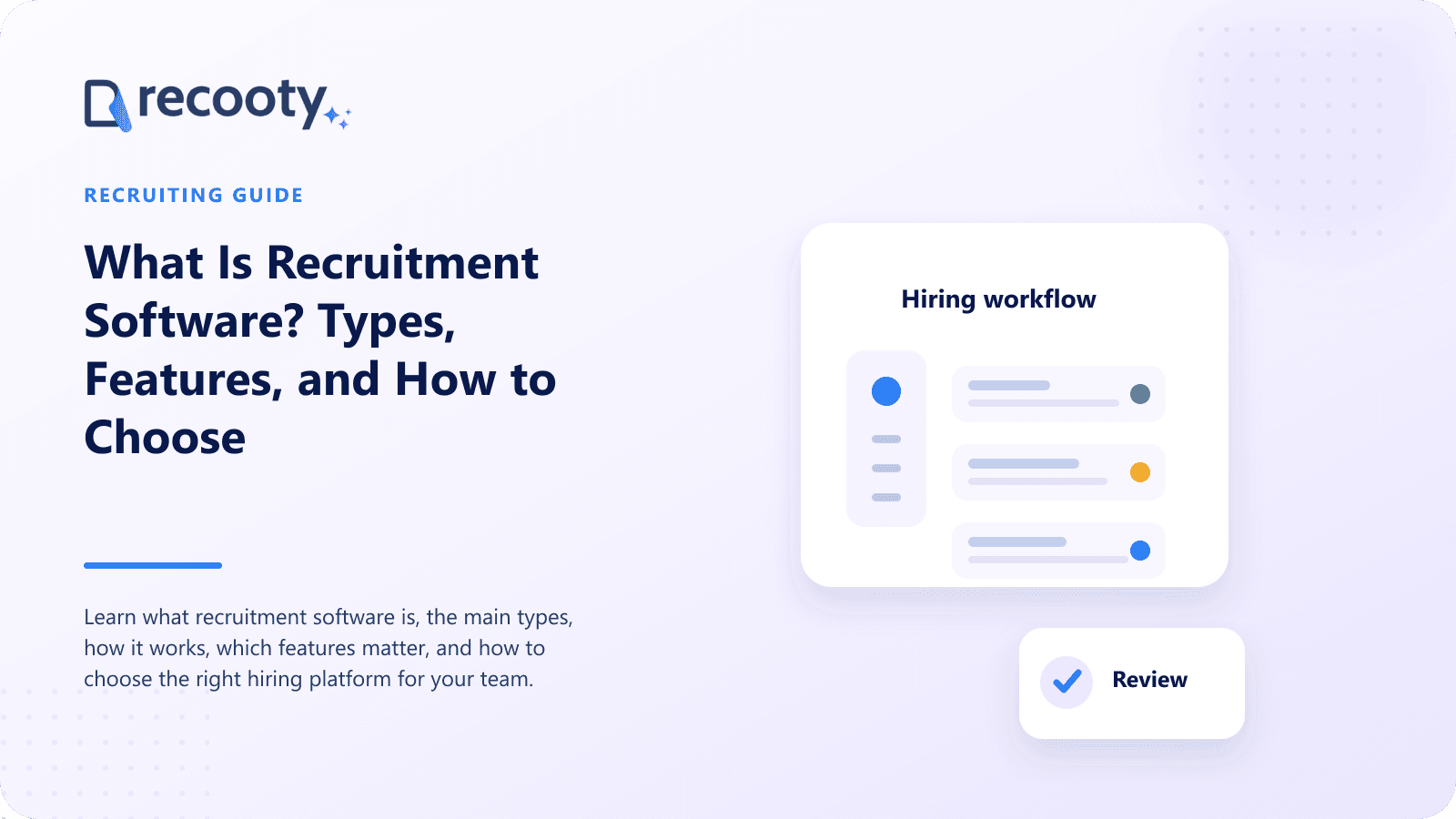
What Is Recruitment Software? Types, Features, and How to Choose
Learn what recruitment software is, the main types, how it works, which features matter, and how to choose the right hiring platform for your team.

CONTENTS
- 00Introduction
- 01Key takeaways
- 02What does recruitment software do?
- 03What are the main types of recruitment software?
- 04Is recruitment software the same as an ATS?
- 05Which recruitment software features matter most?
- 06How is AI used in recruitment software?
- 07Who needs recruitment software?
- 08How do you choose recruitment software?
- Map the current hiring process
- Separate requirements from preferences
- Define the hiring model
- Test one live-shaped vacancy
- Calculate full cost
- Check the contract and data exit
- 09Why consider Recooty as recruitment software?
- 10Frequently asked questions
Recruitment software is technology that helps employers or staffing firms attract candidates, manage applications, coordinate interviews, evaluate people, send offers, and measure hiring. It can be a focused applicant tracking system, a recruiting CRM, a sourcing tool, an assessment platform, an agency system, or a recruiting module inside a broader HR suite.
Most teams need a reliable candidate system of record plus connected tools for high-friction tasks. For a growing in-house team, that center is usually an applicant tracking system.
Key takeaways
- Recruitment software covers more than applicant tracking, though an ATS often sits at the center.
- In-house employers manage jobs and hiring teams; agencies also manage clients, submissions, and placements.
- Core features include job distribution, candidate records, pipelines, communication, scheduling, scorecards, offers, reporting, permissions, and privacy controls.
- AI should assist with drafting, matching, and summaries while people remain responsible for hiring decisions.
- Choose software by testing a real vacancy with recruiters, hiring managers, interviewers, and administrators.
- Integration and adoption matter more than owning the longest feature list.
What does recruitment software do?
Recruitment software brings hiring work into a shared, searchable system. Instead of tracking candidates across job boards, inboxes, calendars, chat threads, and spreadsheets, teams can see the vacancy, application, communication history, interview status, feedback, and next action in one place.
When the role is ready, you can post a job for free to start reaching candidates.
A typical recruiting workflow includes:
- Create and approve a job requisition.
- Write the job description and publish it to a careers page and job boards.
- Collect applications and create candidate profiles.
- Screen candidates against role requirements.
- Schedule interviews and collect structured feedback.
- Approve and send an offer.
- Transfer the accepted candidate to onboarding or an HR system.
- Report on hiring speed, sources, conversion, and outcomes.
Software makes the process visible and repeatable, giving teams a chance to remove delays and inconsistent decisions.
What are the main types of recruitment software?
Recruitment software is a category containing several overlapping product types. The labels are often used loosely, so compare the workflow behind the name.
| Software type | Main purpose | Best suited to |
|---|---|---|
| Applicant tracking system | Manage active jobs, applicants, interviews, and offers | In-house hiring teams |
| Recruiting CRM | Source, segment, nurture, and rediscover prospects | Proactive talent acquisition and agencies |
| Sourcing software | Find and contact potential candidates | Recruiters building outbound pipelines |
| Interview scheduling software | Coordinate calendars and candidate availability | Teams with high interview volume |
| Assessment software | Measure skills, knowledge, or work samples | Roles needing evidence beyond a resume |
| Video interviewing software | Run live or recorded interviews | Distributed or high-volume hiring |
| Agency recruitment software | Manage candidates, clients, jobs, submissions, and placements | Staffing and search firms |
| HR suite recruiting module | Connect hiring with employee records and onboarding | Companies preferring one HR platform |
An ATS may include CRM, sourcing, scheduling, assessment, and onboarding functions. Add a point product when the embedded feature cannot support the required depth.
Is recruitment software the same as an ATS?
No. An applicant tracking system is one type of recruitment software. The ATS focuses on active vacancies and candidates moving through a defined hiring pipeline. Recruitment software is the wider category, including tools used before an application, during evaluation, and after offer acceptance.
A sourcing platform finds passive candidates, a CRM runs talent campaigns, and an assessment tool produces skills evidence. The ATS connects these activities to a job, person, stage, and decision.
Read the full comparison of ATS, recruitment software, recruiting CRM, and HRIS when product labels begin to blur.
Which recruitment software features matter most?
Start with features that support work the team repeats for every hire. A practical baseline includes:
- Job requisitions and approval workflows
- Careers-page publishing and job-board distribution
- Mobile-friendly application forms
- Resume parsing and searchable candidate profiles
- Custom stages, tasks, reminders, and bulk actions
- Email templates and communication history
- Calendar sync and candidate self-scheduling
- Interview plans, scorecards, and shared feedback
- Offer approvals, templates, and electronic signatures
- Talent pools and candidate rediscovery
- Source, funnel, time-to-hire, and team reports
- User permissions, authentication, audit history, and retention controls
- HRIS, payroll, onboarding, assessment, and background-check integrations
Ask whether each feature is included in your plan, works in your countries, applies to all roles, and can be configured without support.
How is AI used in recruitment software?
AI can draft job descriptions and emails, parse resumes, match skills, summarize notes, suggest questions, estimate salaries, and flag stalled work. These functions should not own the employment decision.
Look for explainable outputs that show why a candidate matched or how a score was produced. Recruiters should be able to correct criteria, override suggestions, review excluded candidates, monitor group outcomes, and document final decisions.
Recooty's AI applicant tracking system includes AI Candidate Matching and explainable resume scoring alongside human-led pipelines, interviews, and scorecards. Its AI tools also support job descriptions, interview questions, emails, and salary research.
Who needs recruitment software?
A business needs recruitment software when inboxes and spreadsheets hide status or create repeated work. Signs include duplicate records, missed follow-ups, uncertain feedback, manual scheduling, weak source reports, or retyping new-hire data.
A small business may need a simple ATS. Scaling and global companies may need approvals, automation, analytics, integrations, languages, and business-unit permissions. An agency also needs client CRM and placement functions.
The question is not whether the company is large. It is whether hiring has become a shared operational process that needs ownership, history, and controls.
How do you choose recruitment software?
Document current problems, turn them into testable requirements, and run the same job scenario in each finalist. Ignore functions nobody plans to use.
01Map the current hiring process
List every step from job request to onboarding, including owner, system, duration, and waiting points.
02Separate requirements from preferences
A missing requirement has a consequence, such as a broken HRIS connection. A preference is negotiable. Give requirements most of the score.
03Define the hiring model
Estimate employees, recruiter seats, hiring-manager users, active jobs, annual hires, application volume, locations, languages, entities, and agency involvement for the next 18 to 24 months.
04Test one live-shaped vacancy
Have a recruiter publish, screen, schedule, and report. Ask a manager to review, an interviewer to score, and a candidate to apply by phone. Complete the onboarding handoff.
05Calculate full cost
Include subscription, implementation, migration, support, job-board charges, add-ons, integrations, training, and administration. Model changes in users, employees, jobs, and usage.
06Check the contract and data exit
Review service levels, renewals, security terms, processing terms, sub-processors, data hosting, retention, deletion, exports, API access, and implementation responsibilities before signing.
Why consider Recooty as recruitment software?
Recooty gives growing teams one recruiting workflow with distribution to more than 250 boards, pipelines, AI-assisted screening, scheduling, scorecards, talent pools, career pages, analytics, privacy controls, and over 100 integrations.
I would include Recooty when ease of adoption, broad job distribution, transparent AI assistance, and collaborative hiring are priorities. Use the recruitment software selection guide and test the plan against your expected active jobs and employee count.
Frequently asked questions
What is the best recruitment software for a small business?
The best small-business recruitment software is easy for occasional hiring managers, covers job posting through offer, and does not require enterprise administration. Recooty, Breezy HR, JazzHR, Zoho Recruit, and Workable serve different parts of this market. Compare current plan limits and total cost.
How much does recruitment software cost?
Pricing may be per recruiter, per employee, per active job, by hiring volume, or a flat subscription. Some vendors publish plans, while others provide custom quotes. Add implementation, data migration, premium job ads, assessments, texting, AI usage, and integrations to the subscription price.
Can recruitment software reject candidates automatically?
Some systems can apply knockout rules or recommendations, but employers should keep people responsible for consequential decisions. Use job-related criteria, provide accommodations, review edge cases, monitor outcomes, and follow applicable automated-employment laws.
How long does recruitment software take to implement?
A focused ATS for a small team may be configured in days, while a global enterprise rollout can take months. Timing depends on data migration, integrations, approvals, security review, templates, training, and process redesign. Start with a defined first-hire workflow.
Practical recruiting playbooks, HR tutorials and hiring trends from the team behind Recooty — hiring software for growing teams.