How to Post a Job on Dribbble | 5 Easy Steps
Are you looking to hire designers from Dribbble but don’t know how to post a job on Dribbble? Don’t worry, we have the answer in this blog!


CONTENTS
- 00Introduction
- 01Key takeaways
- 02How to post a job on Dribbble
- Step 1: Create an account on Dribbble
- Step 2: Start a job post and choose a plan
- Step 3: Write a complete job post
- Step 4: Review the listing
- Step 5: Pay and publish
- 03How to evaluate Dribbble portfolios fairly
- 04Price and hiring workflow considerations
- 05Dribbble and recruitment software: build a portfolio-first workflow
- 06Conclusion: post a clearer Dribbble job
- 07Frequently Asked Questions
- 08Additional Resources on Job Posting
Dribbble is a useful place to hire designers because candidates can show their work before you invite them into your hiring process. To post a role, create or access an employer account, choose the plan that fits the hire, describe the work clearly, review the listing, and publish it. The five steps below also explain how to assess portfolios consistently after applications arrive.
Dribbble works best for roles such as product design, UX, UI, visual design, branding, illustration, and animation. If you are hiring for a short project, you can search for freelancers; if you need a full-time or contract employee, use the job-posting route and send applications to one trackable hiring workflow.

Key takeaways
- Dribbble suits portfolio-led hiring for creative roles more than general hiring.
- The official hiring page currently lists freelancer hiring with a 2% to 5% platform fee, job postings at $150 per month, and a $300-per-month Hiring Suite. Confirm the live terms before budgeting.
- A strong listing names the design problem, audience, deliverables, constraints, team, work pattern, compensation, and application route.
- Use the same portfolio scorecard for every applicant. Visual polish and follower count are not enough evidence of job fit.
- Recruitment software can keep source tracking, screening, interview feedback, and hiring outcomes in one record while Dribbble supplies creative reach.
How to post a job on Dribbble
Use these steps when you are ready to publish a role. Keep the job details nearby so the listing matches the approved hiring request.
Step 1: Create an account on Dribbble
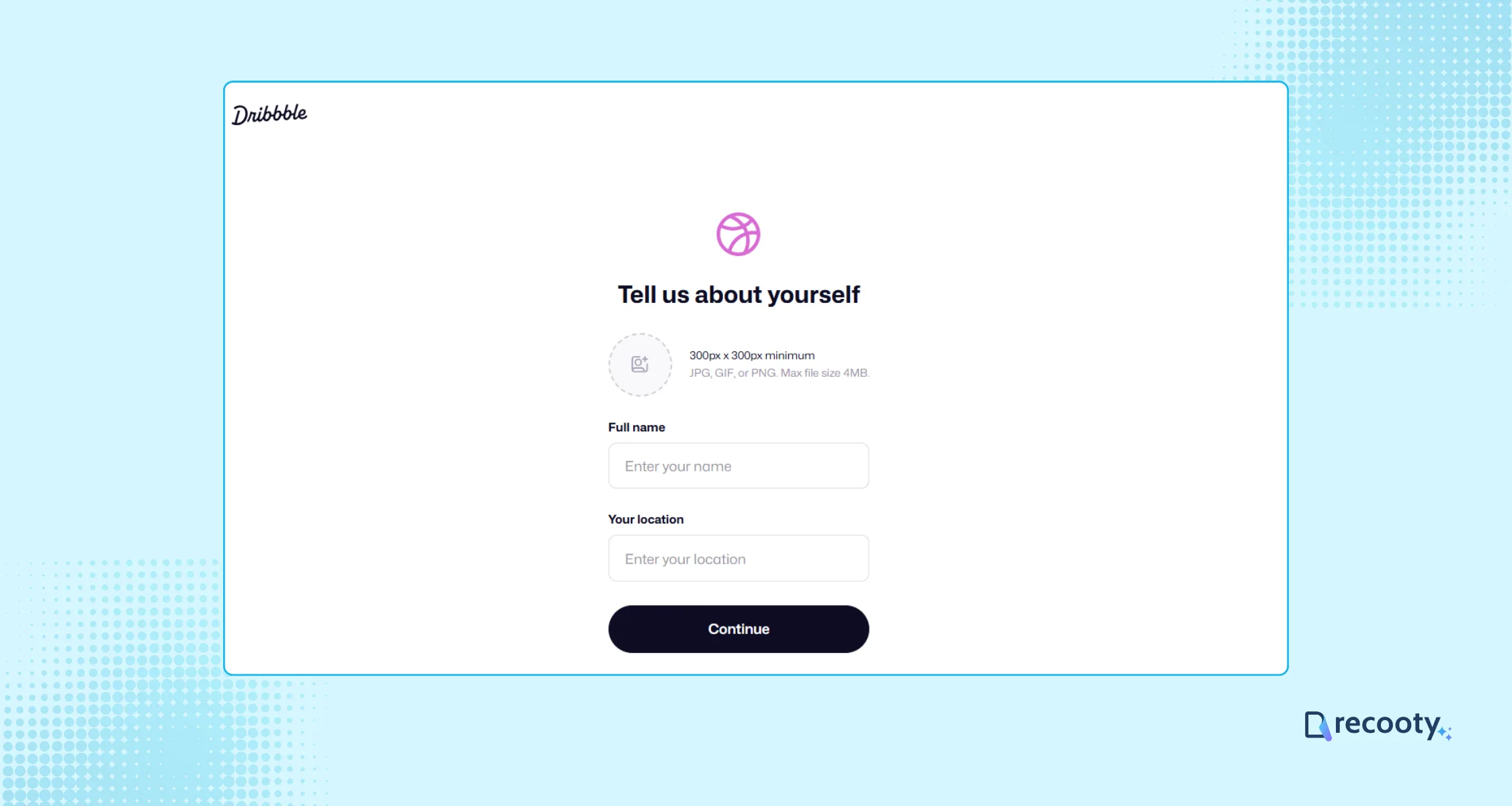
Visit the Dribbble jobs page and create an account with your name, email address, password, profile image, and location. Complete the company details before starting the listing. A complete employer profile gives candidates enough context to decide whether the opportunity is relevant.
Step 2: Start a job post and choose a plan
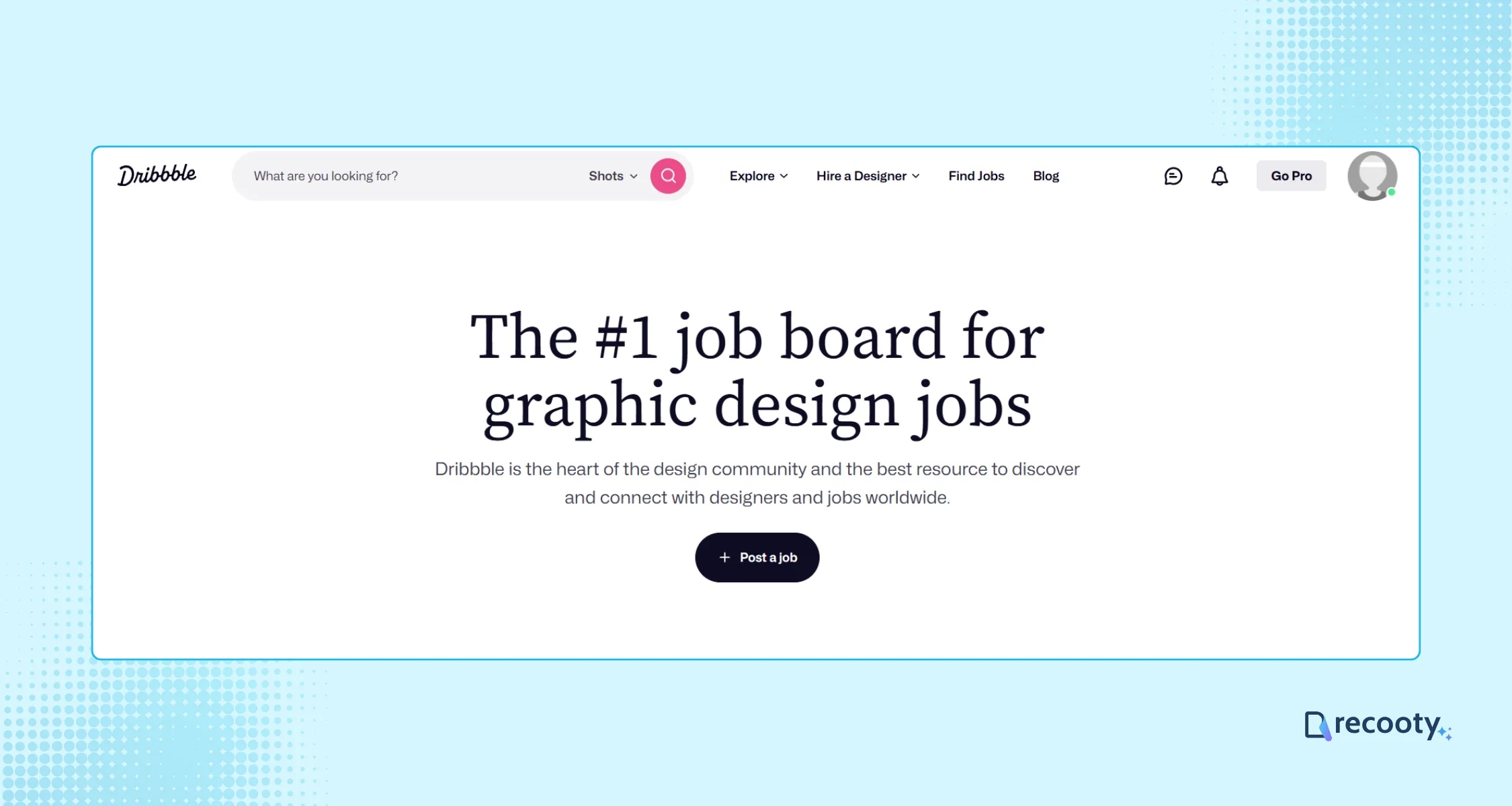
Choose Post a Job from the jobs area, then select the route that matches your hiring need.
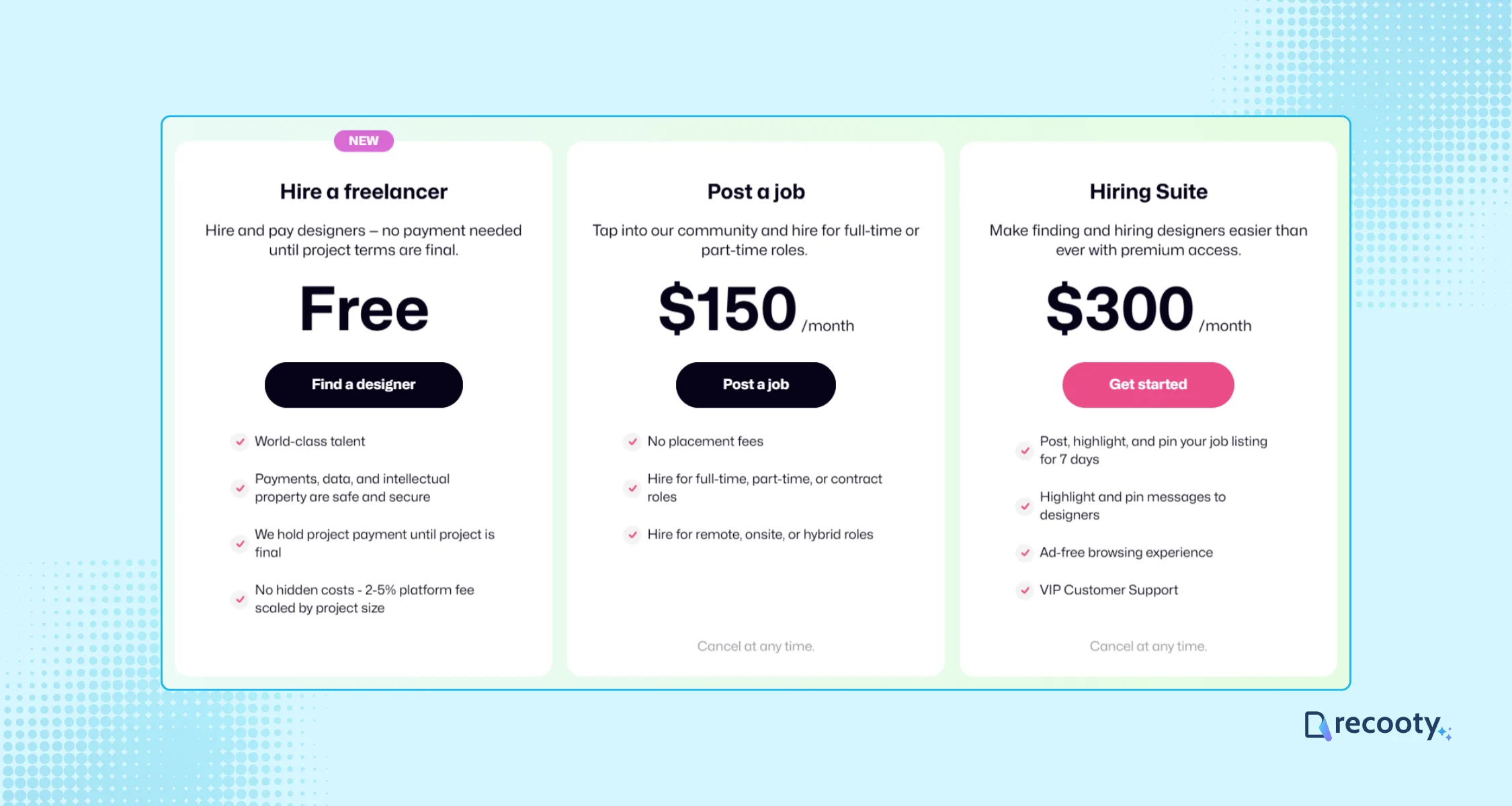
- Freelancer hiring: Start without an upfront posting fee and pay the platform fee when project terms are finalized.
- Job Posting Plan: The current hiring page lists $150 per month for full-time, part-time, or contract listings without placement fees.
- Hiring Suite: The current page lists $300 per month and includes features such as featured or pinned listings, highlighted messages, ad-free browsing, and VIP support.
Prices and features can change. Check the official Dribbble hiring page during setup rather than relying on an older guide.
Step 3: Write a complete job post
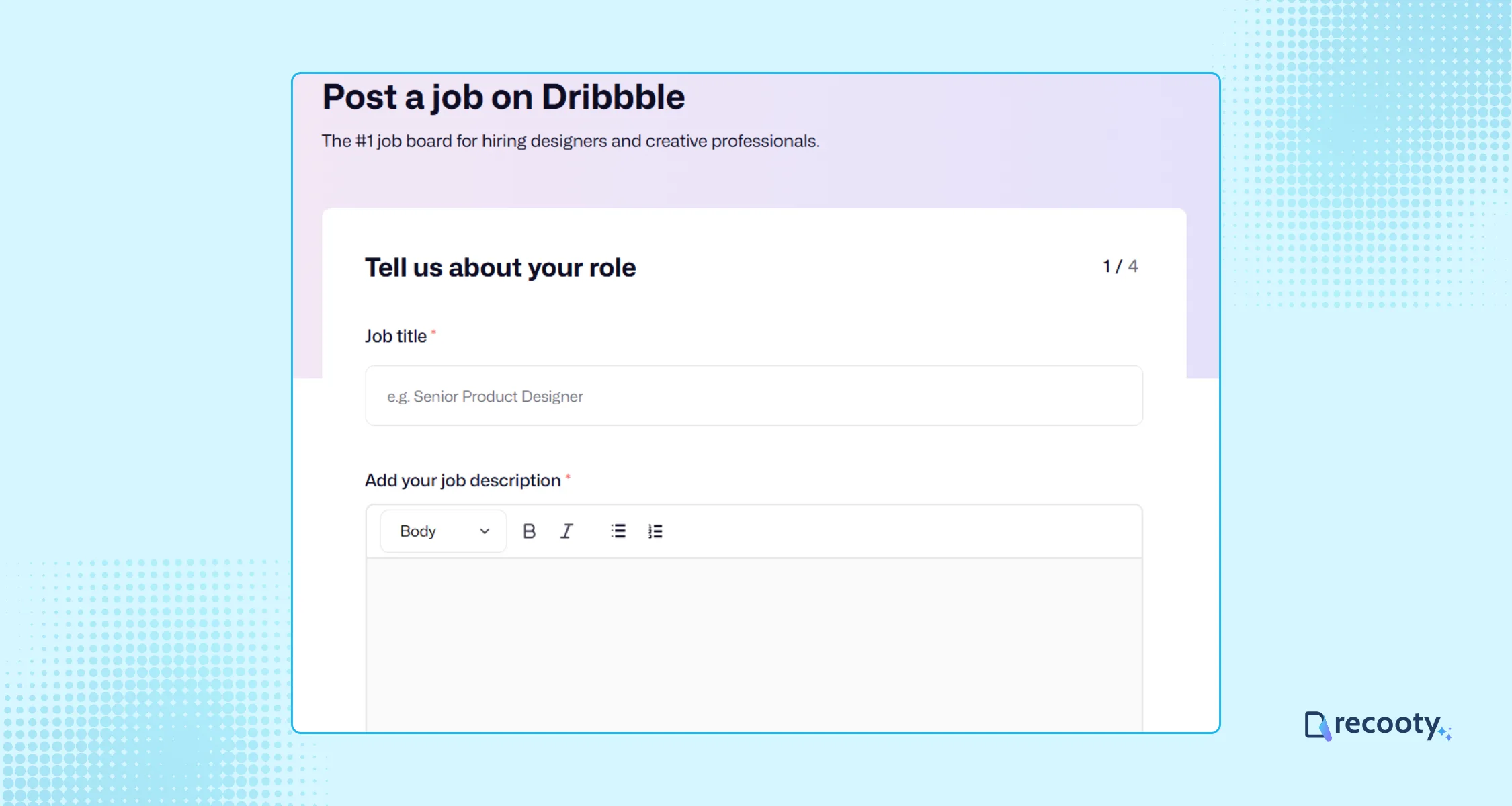
Start with the title candidates use when searching, such as “Product Designer” or “Senior UX Designer.” Explain what the person will solve, who will use the product, what they will deliver, and how the team will judge the work. Avoid a title such as “Design ninja” when it hides the level or responsibilities.
If you need a drafting aid, Recooty’s free AI-powered job description generator can help organize the first version. The hiring manager should still verify every requirement before publication.
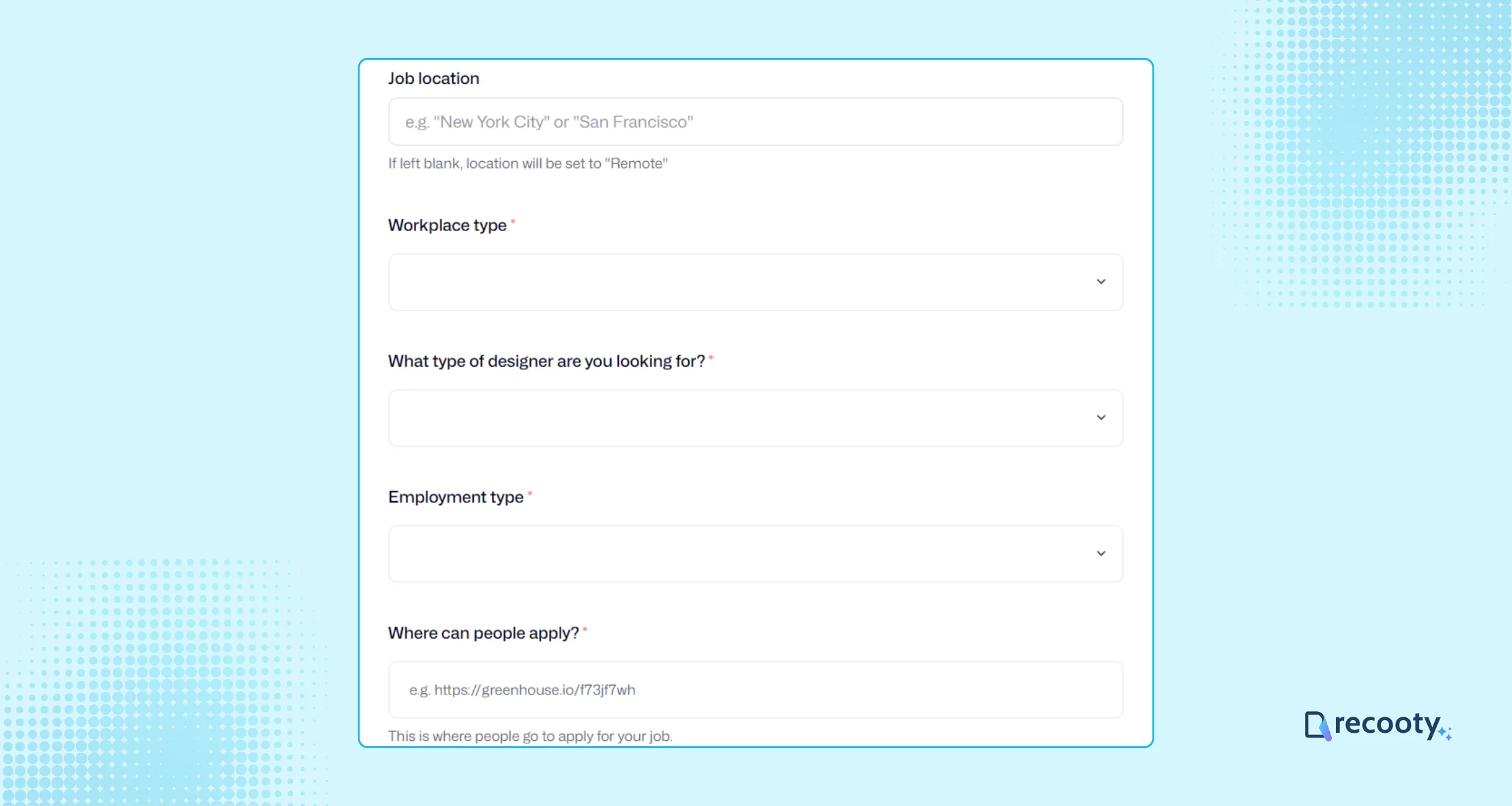
Add the work location, workplace type, employment type, expected schedule, compensation or project budget, and application link. Select the relevant design area, such as animation, UX, or web design. State whether the role is full-time, part-time, contract, or freelance so candidates can assess it quickly.
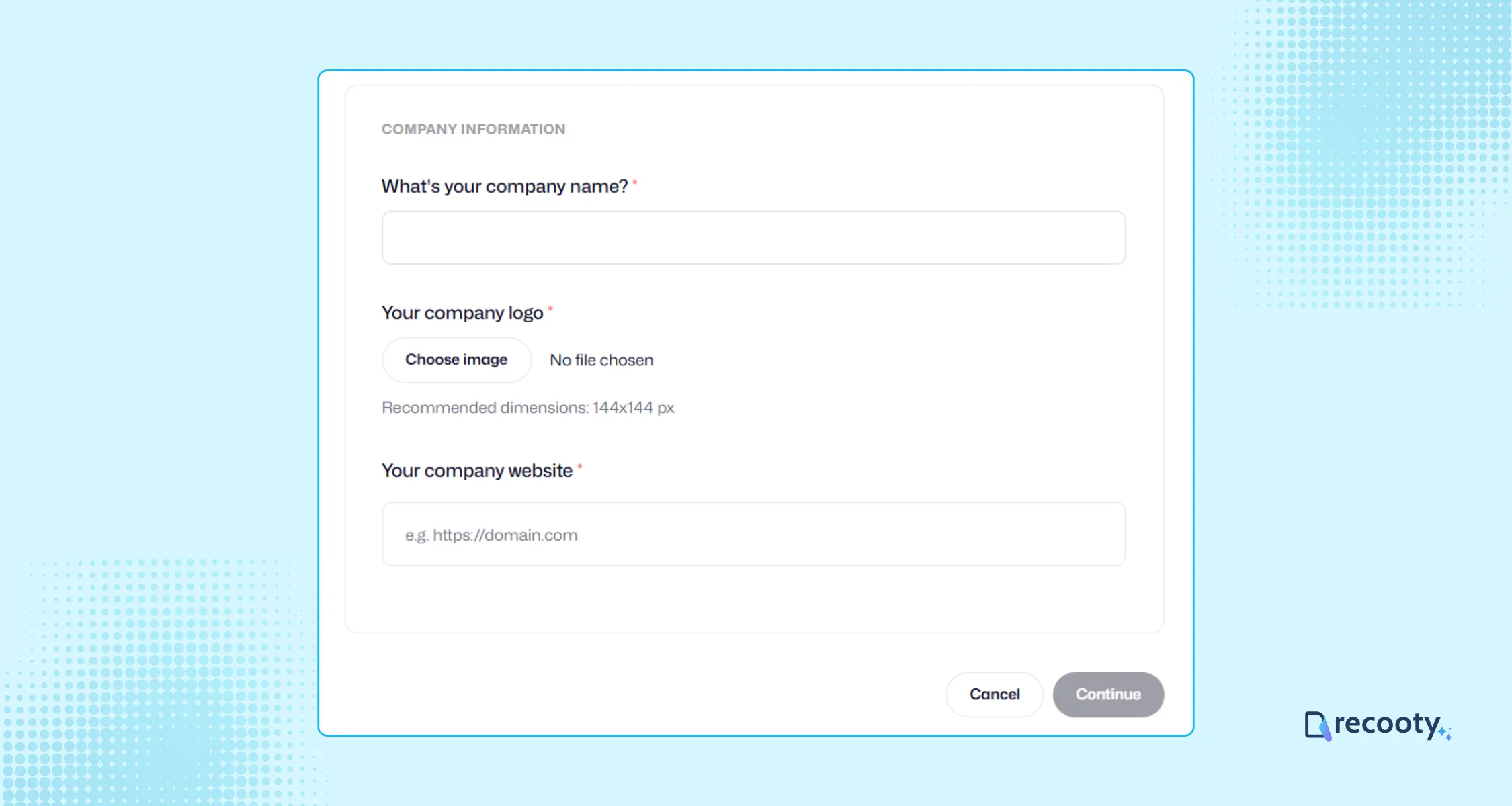
Add the company name, logo, and website. A candidate should be able to connect the role to a real team and understand where the application will go.
Step 4: Review the listing
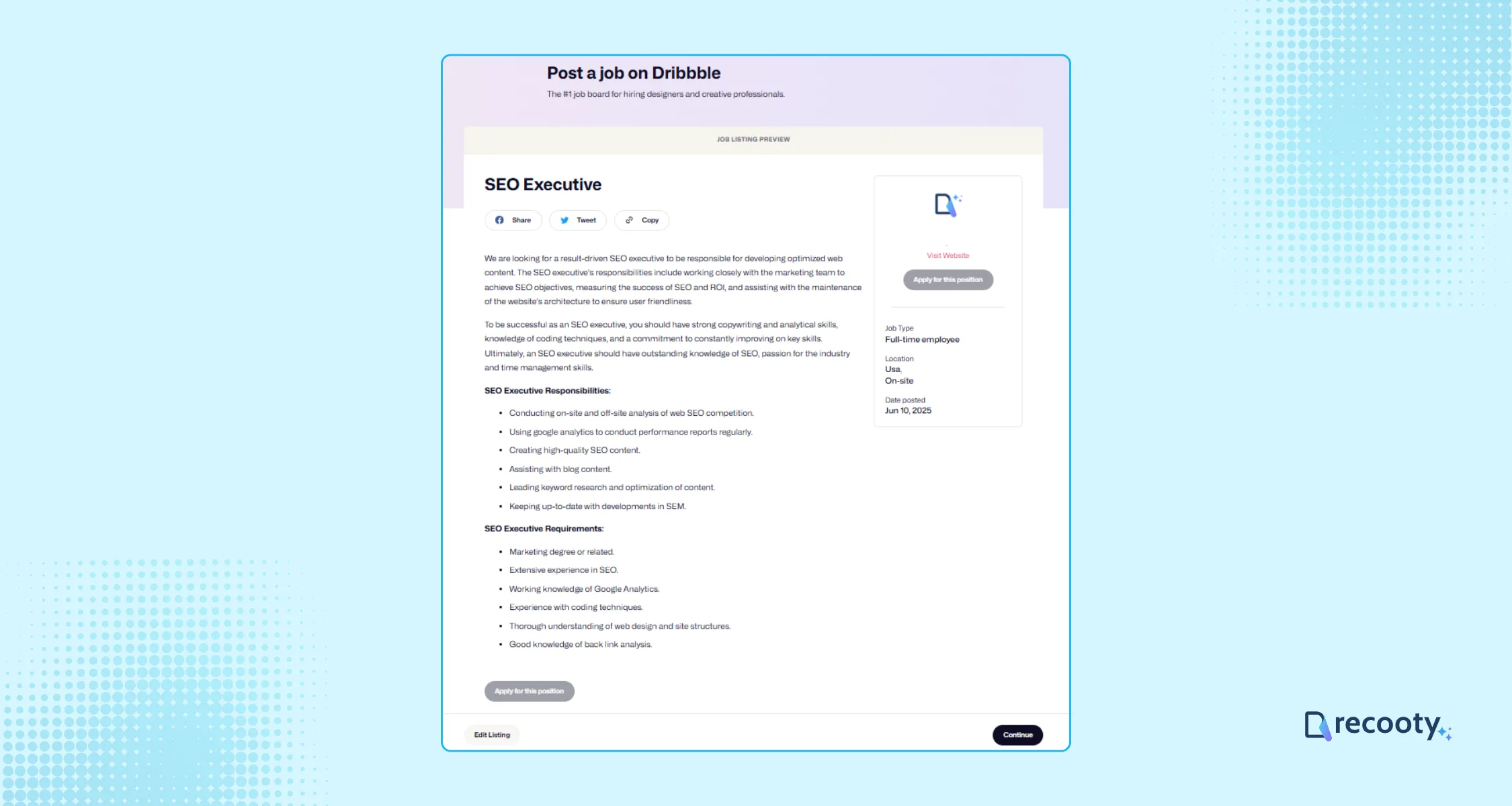
Use the preview to check the title, location, work pattern, pay, application link, spelling, and formatting. Confirm that the requirements describe genuine job needs and that the portfolio request does not ask for confidential work. Select Edit Listing if something is unclear, then continue when the page matches the approved role.
Step 5: Pay and publish
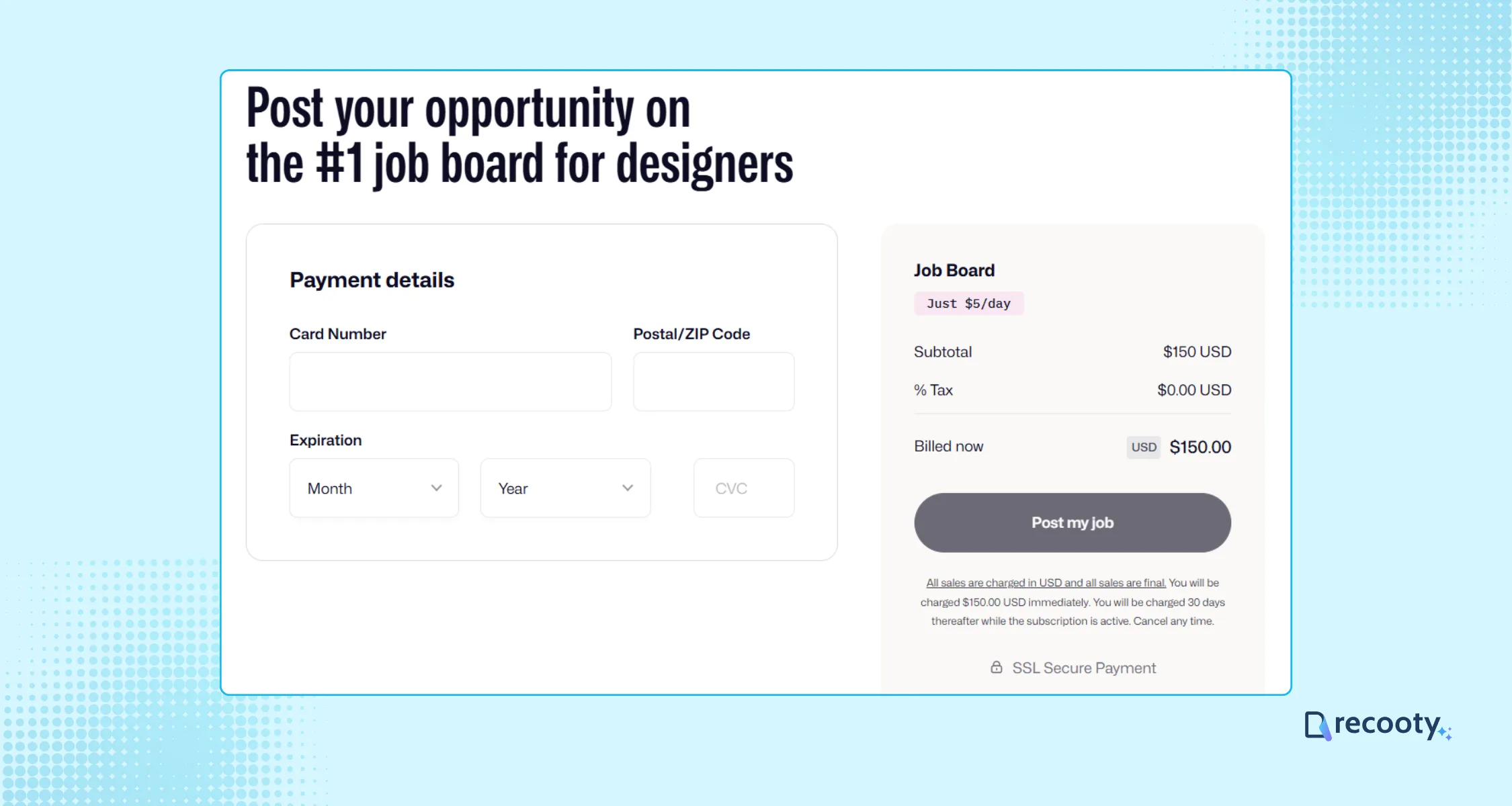
Enter billing details for the selected plan and choose Post my job. Save the live URL and the date you published it. Add that source to your hiring record so you can compare qualified applications with other channels.
How to evaluate Dribbble portfolios fairly
Review the same evidence for every applicant. Start with the design problem and the candidate’s decisions, then look at craft. Follower count, a familiar visual style, or a polished landing page should not decide the shortlist on its own.
- Problem framing: Can the candidate explain the audience, goal, constraints, and measure of success?
- Process: Does the portfolio show research, iterations, collaboration, and trade-offs?
- Craft: Is the work usable, accessible, production-aware, and appropriate for the medium?
- Outcome: Is there evidence of impact, learning, or an honest limitation when results are confidential?
- Working style: Can the candidate explain feedback, handoffs, cross-functional work, and deadlines?
| Criterion | Question to ask | Evidence to record |
|---|---|---|
| User and problem | Who was the work for and what needed to change? | Clear audience and problem statement |
| Decision quality | Which options were rejected and why? | Trade-offs tied to constraints |
| Execution | Is the work usable and production-aware? | Role-relevant craft and accessibility |
| Collaboration | How did the candidate work across functions? | Feedback, handoffs, and communication |
| Outcome | What changed after the work shipped? | Result, learning, or honest limitation |
| Reflection | What would the candidate improve now? | Self-awareness and growth mindset |
Record evidence before a panel discussion. This gives the team a shared basis for comparing candidates and keeps the conversation focused on the role.
Price and hiring workflow considerations
Dribbble’s free freelancer route is different from its paid job-board plans. A defined project may fit freelancer hiring, while a recurring employee search may justify the job-posting plan or Hiring Suite. Review the current terms before you commit to a monthly plan.
If you need to publish on several channels, Recooty can help you post jobs to multiple job boards, collect applications, schedule interviews, build a careers page, and share feedback with the hiring team. You can open a Recooty account when you are ready to set up that workflow. Keep the approved job record as the source of truth, and check that the application link and source remain clear on every channel. An applicant tracking system is useful when you need one candidate history instead of separate messages and spreadsheets.
Dribbble and recruitment software: build a portfolio-first workflow
Dribbble supplies portfolio discovery and creative reach. Recruitment software supplies the process around that reach: source attribution, screening questions, interview notes, permissions, follow-up, and post-hire reporting. Connect the two only after you decide where the candidate record and approved application route will live.
For a small hiring team, a practical workflow is to publish one accurate role, send every applicant through the same application path, record Dribbble as the source, and review portfolios with the scorecard above. Track qualified applications, portfolio-screen pass rate, interview conversion, offer acceptance, time to fill, and retention. That tells you whether Dribbble is producing suitable candidates rather than simply generating views or messages.
Conclusion: post a clearer Dribbble job
Dribbble works well when the role depends on demonstrated design work. Choose the appropriate plan, explain the problem and working context, and evaluate portfolios against the same evidence. Then keep the applications and interview decisions in a consistent hiring workflow so the channel is easy to measure.
Frequently Asked Questions
Is Dribbble free for employers?
Freelancer hiring can start without an upfront posting fee, but the official hiring page lists a 2% to 5% platform fee scaled by project size. Full-time, part-time, and contract job-board listings are paid. The current page lists the standard job-posting plan at $150 per month.
How much does Dribbble’s Hiring Suite cost?
Dribbble’s official hiring page currently lists the Hiring Suite at $300 per month. It adds features such as featured and pinned listings, highlighted messages, ad-free browsing, and VIP support. Confirm the live terms before budgeting.
Should I use Dribbble or an ATS to hire a designer?
Use Dribbble for portfolio-led discovery and creative reach. Use an ATS or recruitment software workflow for source tracking, structured evaluation, interview collaboration, and post-hire reporting. The two can work together when the candidate record and application route are clear.
What should I include in a Dribbble job post?
Include the design problem, audience, deliverables, role level, tools, team, constraints, location or remote policy, compensation or project budget, timeline, decision rights, application link, and portfolio evidence you want to review.
How long is a Dribbble job post visible?
Some Dribbble job-posting guidance states that job posts remain visible for 30 days. Confirm the duration in the plan or checkout flow because platform terms can change.
Is Dribbble only for hiring designers?
Dribbble is centered on creative roles such as UX, graphic, web, animation, and product design. It is most useful when a portfolio is central to the hiring decision.
Additional Resources on Job Posting
- How to post a job on Monster
- How to post a job on CareerBuilder
- How to Post a Job on Google for Jobs Search Engine
- How to Post a Job on LinkedIn
- How to Post a Job on Craigslist
- How to Post a Job on ZipRecruiter
- How to Post a Job on Dice
- How to Post a Job on Indeed
- How to Post a Job on Snagajob
- How to Post a Job on Seek
- How to Post a Job on JobServe
- How to post a job on Glassdoor
- How to Post a Job on Trovit
- How to post a job on Jooble
- How to Post Jobs on Juju.com
- How to Post a Job on TotalJobs
- How to post a job on Behance
- How to Post A Job on AngelList Talent (now Wellfound)
- How to Post a Job on JobSquare
Source: https://recooty.com/blog/how-to-post-a-job-on-dribbble/
Practical recruiting playbooks, HR tutorials and hiring trends from the team behind Recooty — hiring software for growing teams.


